Design onboarding around the first useful action
Create onboarding for a creative reference tool by finding its first useful action, delaying optional setup, explaining permissions, and supporting a clear return to unfinished work.

Find the first useful outcome
Onboarding should help someone achieve an initial useful result. A reference tool might begin with saving and organizing one image, rather than asking a newcomer to tour every feature. Define the first outcome that demonstrates the tool's purpose and identify only the information genuinely required to reach it.
Delay setup that can wait
Separate account requirements from preferences that can wait. Explain a permission at the moment its purpose becomes clear. Keep a route for skipping optional setup and finding it later. A long sequence of introductory slides may explain the interface while delaying the action that would make the explanation meaningful. Treat every additional requirement as a question with an owner. Determine whether the requirement comes from a real task, an operational constraint, or a team preference. Keep the first two visible in the design and challenge the third when it creates work. Writing these distinctions next to the sketch prevents a tidy layout from concealing an unresolved service decision or an unexplained restriction.
Save and retrieve a poster reference
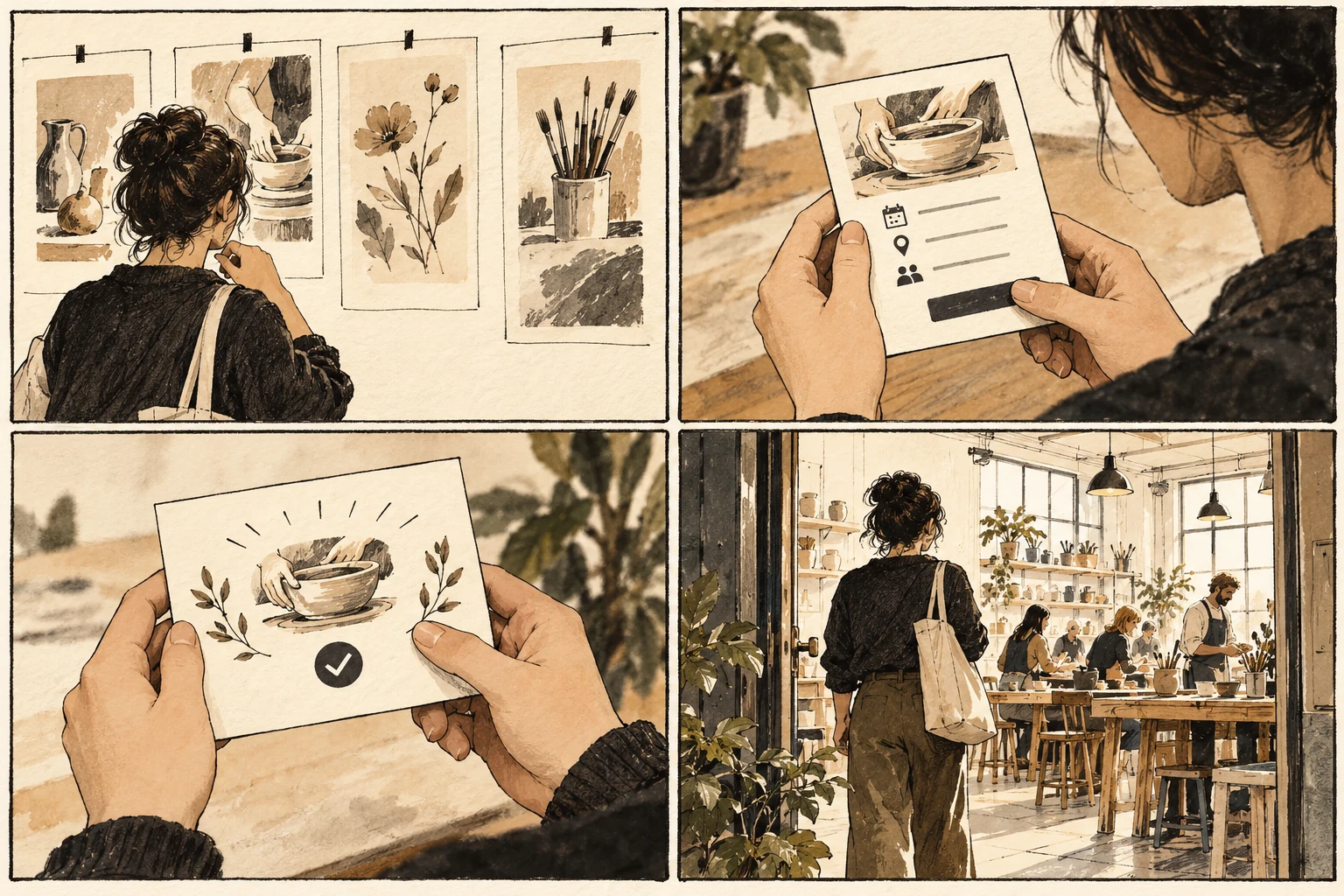
Sketch a newcomer saving a poster reference, naming a collection, and finding the saved item again. Add optional interests after that task. Create a return state for someone who leaves halfway through account verification. The visible sequence should indicate what is complete and what still prevents the first useful result. Use ordinary content rather than a perfect demonstration record. Include one short entry, one unusually long entry, and one entry with missing optional information. Work through the task in the order a newcomer would encounter it. Write down what they can reasonably know at each point. Whenever the sketch requires an explanation from its creator, add the missing cue to the artifact before increasing its visual fidelity.
Resume without erasing progress
If the person finishes onboarding but lands on an unexplained empty screen, the sequence ends too early. If skipped preferences reappear on every visit, skipping has not been respected. A required permission should have an honest fallback or a clear explanation of the blocked capability, rather than an unrelated error message. Avoid solving the failure by asking people to be more careful. Look for an earlier decision the design can clarify, a value it can preserve, or a consequence it can make reversible. If there is an unavoidable limitation, explain it before the affected action and provide a useful next step. The fallback deserves the same attention as the ordinary route through the experience.
Review every interruption point
Review onboarding from a fresh account and from each interruption point. Ask whether every requested detail supports the current task and whether optional choices remain changeable. Success is a person reaching and recognizing a useful outcome with appropriate support. A completed welcome checklist alone does not show that the product's value has become understandable. Keep the first saved reference visible after setup so completing an account does not appear to erase the initial achievement.
Worked decision
After saving the first poster, show it in the named collection before offering optional interests. A skipped preference remains available in settings.
References & further reading
Examples and exercises in this guide are original teaching scenarios.