Interaction design vs UX: choose the right scope for a problem
Distinguish interface behavior from the wider experience by tracing a gallery visit across booking, arrival, attendance, and follow-up without turning job titles into rigid boundaries.
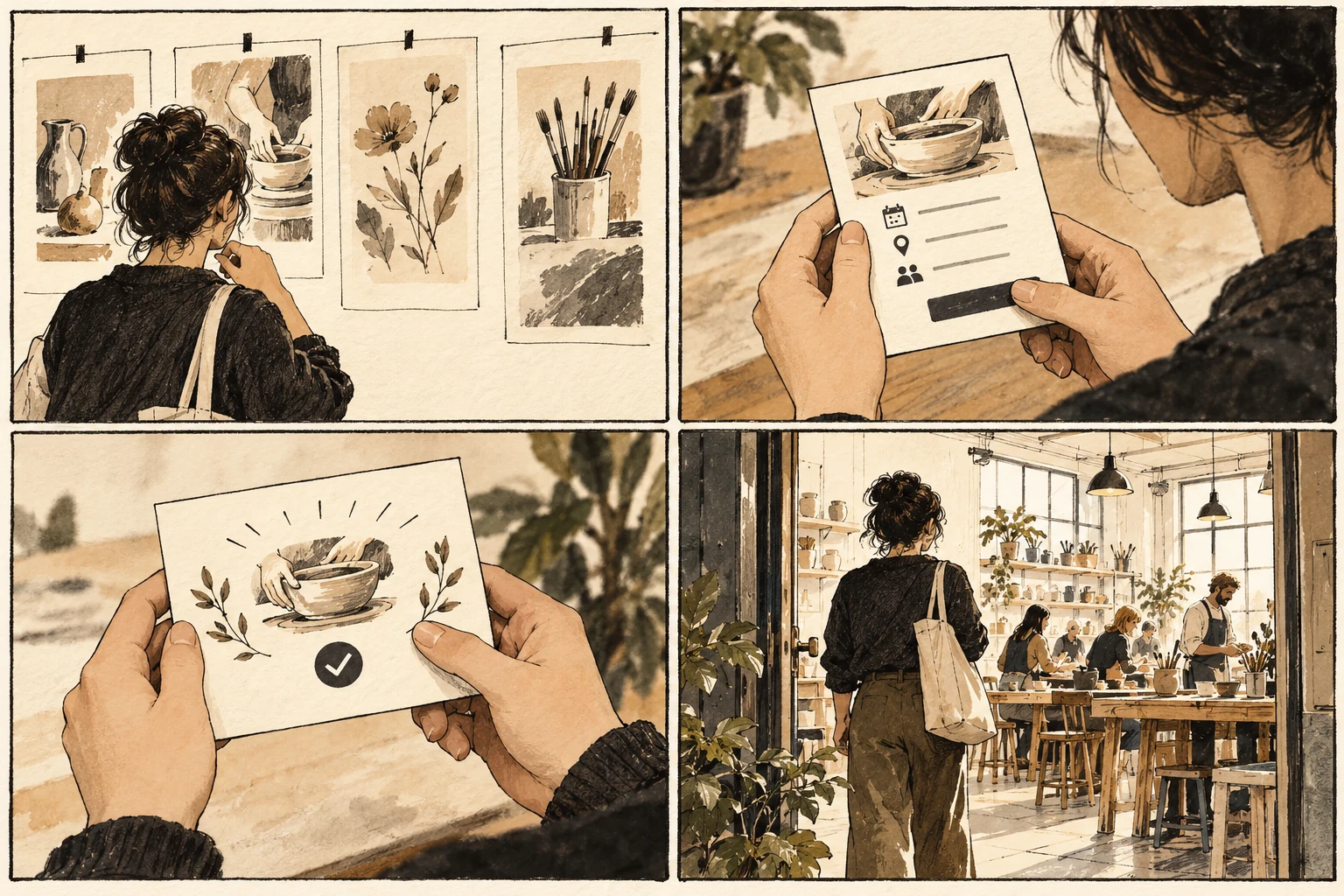
A successful booking can still lead to a failed visit
A visitor can book a gallery event successfully and still arrive at a locked entrance. The booking controls may work while the overall experience fails. Interaction design gives close attention to actions and responses; user experience examines the broader experience around them. Teams often overlap, so use the distinction to set scope rather than defend a title.
Map interface and operational responsibilities
Map the visit from discovering the event to finding the entrance. Mark the digital decisions in one color and the operational dependencies in another. A confusing date selector calls for interface work. A booking system that omits access arrangements requires coordination with content and venue operations as well as changes on screen. Place the proposed solution beside a simpler alternative and ask what extra work each one creates. Count decisions the person must make, rather than decorative elements on the canvas. A useful control explains its scope before activation and its result afterward. If the design depends on someone remembering an instruction from a previous screen, move that instruction closer to the decision or remove the dependency.
Connect the ticket to the venue journey
Take an evening artist talk as an exercise. Draw three interface states for selecting a ticket and a separate journey showing travel, entry, seating, and departure. Connect the ticket confirmation to the entrance information. This reveals which interface decisions depend on facts that the digital team cannot invent. Keep a record of the starting conditions alongside the prototype. The same action can be easy with a familiar record and confusing with an incomplete one. Choose the record deliberately, then describe what would count as completion. Show the state immediately after the action as carefully as the initial view. A prototype that ends at the click cannot answer whether the person understands the result.
Choose the scope from the obstacle
A common scope error is proposing a redesigned booking button when people are uncertain whether they may bring a companion. Another is planning a complete service overhaul for an isolated unclear label. Write the actual obstacle, its location, and who can change it before deciding how broad the project needs to be. Check whether a local fix creates a problem elsewhere. A longer label may clarify one choice but become clipped in another view; an extra confirmation may protect a destructive action but obstruct routine work. Carry the revision through the full example and its alternate route. Document the tradeoff explicitly so the next person modifying the design understands which behavior the change was intended to protect.
Document the boundary and dependencies
Your review should produce a boundary and a dependency list. State which behavior the prototype can evaluate, which operational questions remain open, and who owns those questions. A narrow interaction prototype remains useful when its limits are explicit. The broader journey prevents a successful screen from becoming a misleading claim about the whole visit.
Worked decision
If a visitor receives a valid ticket but cannot locate the evening entrance, record both the confirmation-content dependency and the venue-operation question.
References & further reading
Examples and exercises in this guide are original teaching scenarios.