Interaction design in HCI: model a person and a system
Use an exhibition audio-guide task to connect goals, actions, system states, feedback, and context, then turn a simple interaction model into a practical prototype.

Connect people, systems, and context
Human-computer interaction studies how people and computational systems work together in context. Interaction design turns questions about goals, actions, and feedback into the behavior of an experience. A gallery audio guide offers a concrete example: the person wants to hear the right account of the artwork while remaining oriented in the exhibition.
Distinguish the goal from the action
Write the person's goal separately from the interface action. Hear about this object is a goal; enter an object number is one possible action. Identify the system state required to fulfill the goal, including the selected object and playback position. Then describe the feedback that makes the relationship between action and outcome understandable. Draw the smallest complete version that still communicates the important distinction. Removing every label may reduce visual density while increasing mental effort; adding every explanation can bury the next action. Work from the information needed at the decision point. Keep optional explanation nearby, but make the essential consequence available without another interaction. The resulting hierarchy should survive changes in screen width and content length.
Model an exhibition audio guide
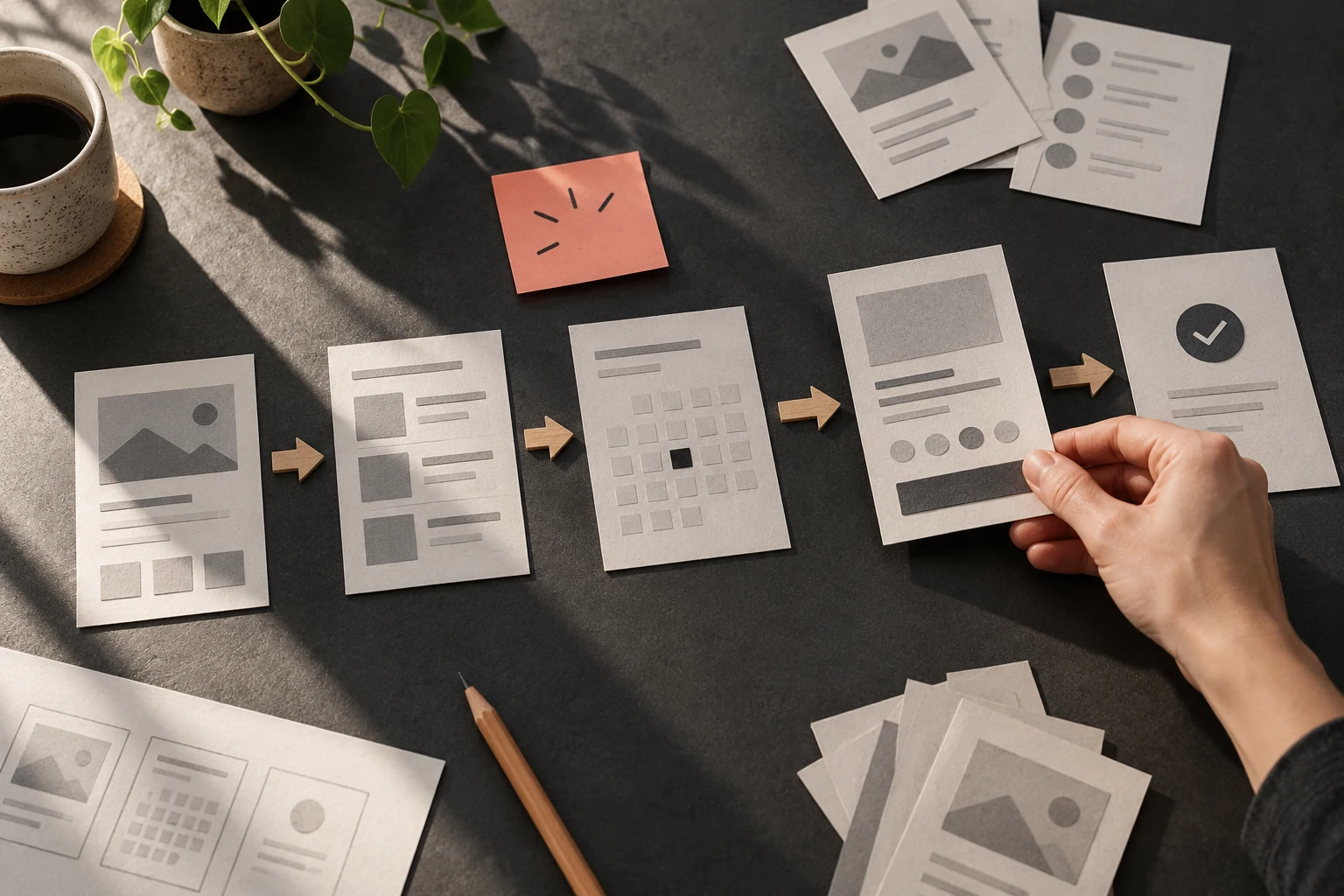
Model entering object number 24, starting audio, pausing, and returning after another visitor interrupts. Include a mistyped number and an object with no recording. Draw the system's state after each action. Keep the artwork title visible so the person can verify that the guide has selected the intended object. Build two versions with the same content and one meaningful difference. Keep that difference narrow enough that you could explain why a person might choose differently. Walk through both versions using the same task and record the points requiring hesitation, recovery, or repeated reading. This is a design exercise, so observations from your own walkthrough are hypotheses to examine with participants rather than claims about real users.
Repair mapping and persistence failures
If playback starts for the wrong object, louder feedback will not solve the underlying mapping problem. Improve selection and verification. If returning restarts the recording unexpectedly, specify persistence rather than leaving it to chance. The physical context also matters: headphones, ambient noise, labels, and shared devices can change what support is useful. Treat a stalled task as an unfinished design state. Specify what stays visible, what the person can change, and how they can tell whether another attempt is safe. Ambiguous retry controls can create duplicate work or leave people uncertain about completion. Write the recovery route beside the successful route so that implementation and review consider both as part of the same feature.
Use the model to frame investigation
Use the model to evaluate a prototype with a clear task and realistic interruptions. Look for a predictable connection between intention, action, and feedback. Record questions that require observation in the gallery rather than assuming a desk walkthrough answers them. This connects a theoretical interaction model to design decisions someone can implement and examine.
Worked decision
Object 24 starts the intended recording and shows its title. An unknown number explains the problem without starting an unrelated audio track.
References & further reading
Examples and exercises in this guide are original teaching scenarios.