Buttons in art: make one press count once
Build a one-button artwork around explicit press behavior, distinguishing a held state from a new action and handling physical switch noise before interpreting it artistically.
A held state differs from a fresh event
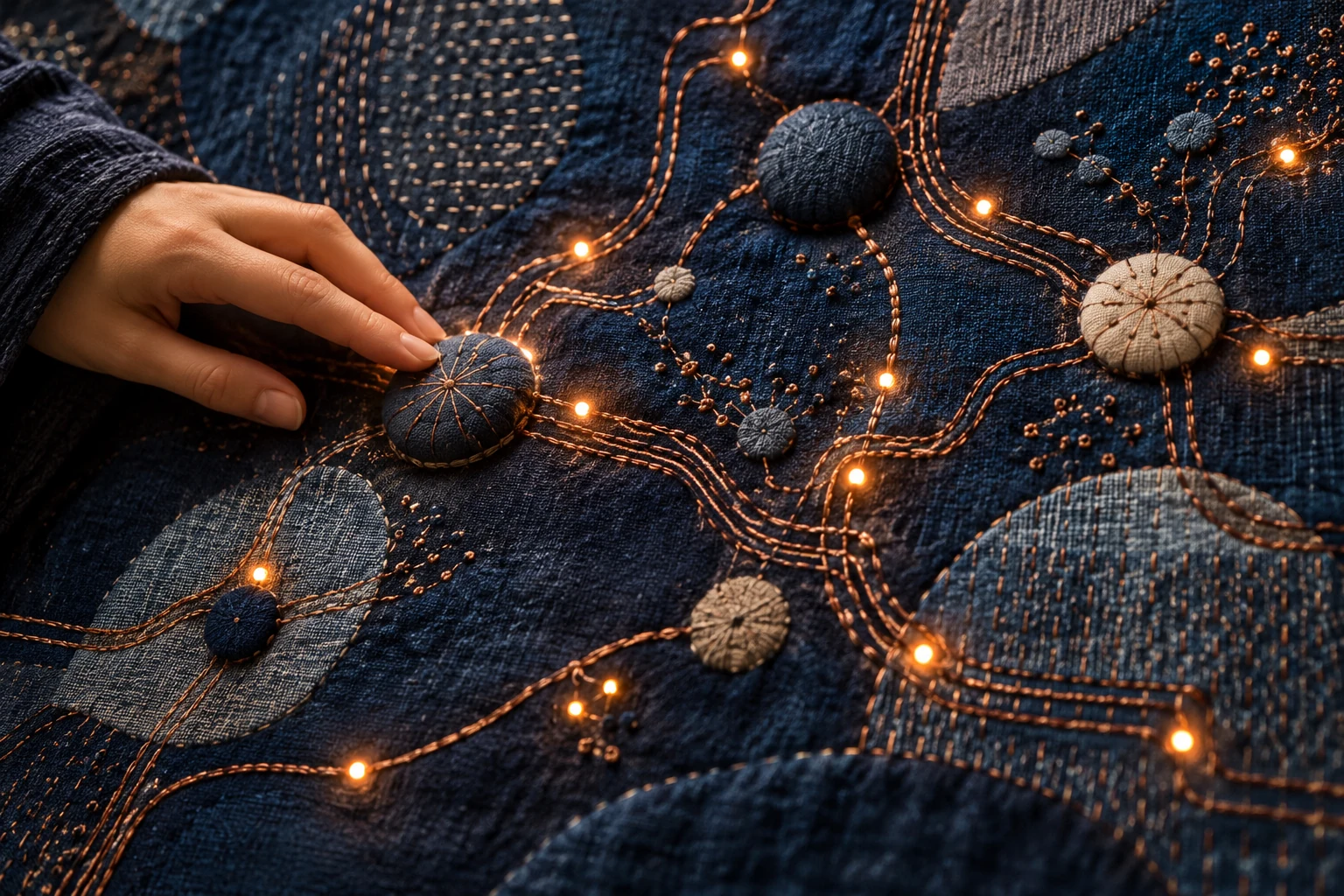
A button can mean begin, add, reveal, or choose. Those meanings imply different behavior. A held button might sustain a light, while a fresh press might add one mark. Decide which relationship you want before writing a response that accidentally repeats every time the program checks the switch.
Observe the switch before counting presses
Use the board's documented digital-input arrangement. An internal-pullup setup can connect a suitable switch between the input and ground; pressed and released readings then have an inverted relationship. Inspect the readings first, then detect the transition that should count as an action.
Make press stability interval explicit in the working notes before building the full piece. Keep the ordinary state beside the most extreme intended state. The useful boundary is where the relationship remains understandable, rather than where the tool stops allowing a larger value. Check both ends before filling the middle. A useful acceptance check is whether one ordinary press creates one intended event. Judge that at the intended viewing size or working distance, where tiny construction mistakes and exaggerated effects can have very different consequences.
Separate held readings from switch bounce
If a press adds many marks, distinguish repeated loop checks from switch bounce. Count only a confirmed transition and use a short stability check when necessary. Keep a visible press counter during setup so the sensing behavior can be checked without interpreting the artwork.
When the result becomes confusing, return press stability interval to its recorded starting point. Try an ordinary action, an incomplete action, and two actions in quick succession. Watch whether the piece acknowledges each input and returns to a usable state afterward.
Compare press-to-add with hold-to-grow
Compare a press-to-add system with a hold-to-grow system using the same visual object. Ask which action better matches the piece's idea. A held state and a discrete event can create very different experiences from the same hardware.
Make three comparison versions using a brief check, a moderate check, and an intentionally long check. Choose one visible feature to compare before starting. Inspect it across the entire set rather than letting the most dramatic result dictate the criterion afterward. Keep both a preferred version and a useful failed version, with a short note describing the difference between their behavior.
Debounce and event detection solve different problems
First display the raw switch reading, then the confirmed stable state, then the count of accepted presses. Those three indicators reveal where an unwanted extra event originates. A stable held button should not keep increasing the count when the artwork expects one mark per press. Conversely, a hold-to-grow piece should use the confirmed held state rather than only the transition. Choose the behavior deliberately and document which edge starts it.
A one-press constellation
Create a button constellation where each new press places one point along an unfolding path. A long hold should still add only one point. Give a separate deliberate action to clear the field, preserving the participant's ability to understand how the picture accumulated.
References & further reading
Examples and exercises in this guide are original teaching scenarios.