Run a keyboard accessibility audit of a creative tool
Walk through a reference-board task using keyboard input, recording reachability, operation, visible focus, order, and escape routes while distinguishing a useful check from a complete accessibility evaluation.
Audit a task beyond the header
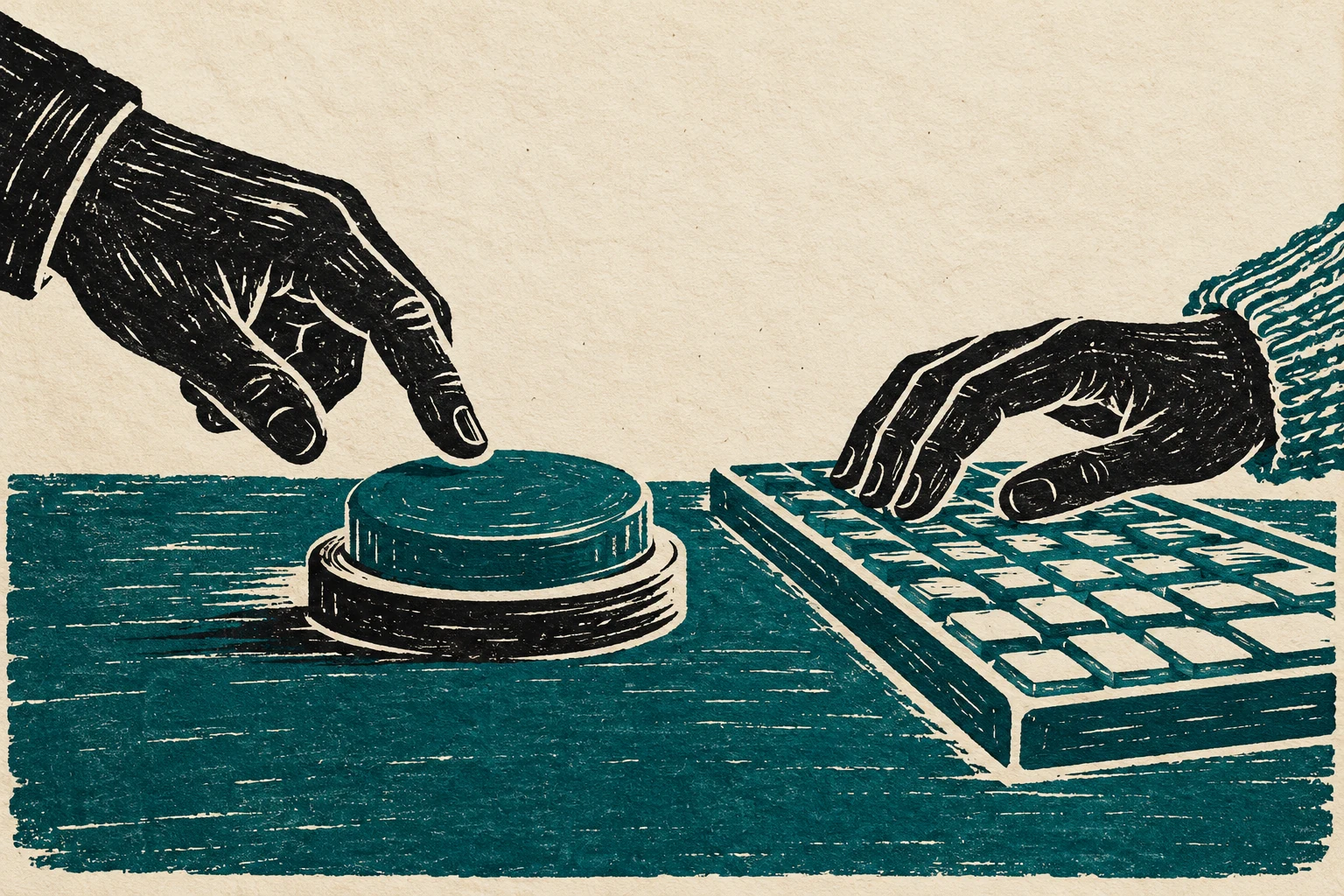
A keyboard audit examines whether someone can reach and operate a product without a pointer. For a reference board, that means more than tabbing through the header. Saving an item, opening its details, editing a note, moving between controls, and leaving temporary interfaces all belong to the task you need to examine.
Record reachability and operation separately
Start from a fresh page and use the keyboard behavior expected for each control. Native links and buttons provide familiar foundations; custom widgets may require additional interactions. Record where focus moves and whether every required action has an available route. Do not assume that making an element focusable also gives it correct operation or meaning. Separate what the system knows from what the person has actually been told. A technically valid operation can still look unsuccessful when its confirmation is delayed or ambiguous. Describe the state before the action, while work is pending, and after it completes. Then name the information that remains available if the person leaves and returns. These notes become concrete requirements for the eventual implementation.
Operate a six-item reference board
Audit a six-item reference board. Save the second item, open its detail view, edit a note, dismiss the editor, and remove the saved item. Write down the focused element after each transition. Add a task that uses reordering, and confirm that it can be completed without performing a drag gesture. Work through the example once without a pointer, once on a narrow screen, and once after an interruption. These passes examine different assumptions; none replaces research with people who use the finished service. Preserve the same task and content across passes so that changes reveal weaknesses in the design rather than unrelated differences in the scenario. Capture each weakness as a specific revision, not a general impression.
Reproduce lost focus and trapped routes
If focus disappears, inspect whether it moved to a hidden or removed element. If a control can be reached but cannot be activated, its behavior may be incomplete. If leaving a panel is impossible, the route may contain a trap. Record the exact starting conditions and keys so someone else can reproduce the issue. Distinguish a missing cue from a missing capability. Copy can explain an available recovery path, but it cannot create a recovery path the system lacks. Annotate where the interface needs a different state, a preserved value, or an operational response. Give each case a visible outcome. Otherwise an apparently helpful message may simply send someone around the same unsuccessful loop with more words to read.
Verify fixes within the whole sequence
Review the audit as a task record with observed behavior, expected behavior, and concrete fixes. Repeat the affected sequence after changes rather than checking only the repaired control in isolation. Keyboard testing identifies important barriers but does not cover every accessibility requirement or every assistive technology. Keep those limits visible while treating discovered failures as actionable product issues.
Worked decision
After removing the selected reference, confirm that focus moves to a useful remaining target instead of disappearing with the deleted control.
References & further reading
Examples and exercises in this guide are original teaching scenarios.